 nox.cool
When the AI is down, your nox.cool tasks now wait
nox.cool now keeps your task when its AI is unavailable: it says why in plain words, waits, and carries on by itself when the AI is back. In the same update, dark mode is easier to read and more buttons stop to ask you first.

Key points
- If nox.cool's AI is unavailable because of a problem with our account, your task stays open, says why, and carries on by itself when the AI is back.
- A routine that comes due during that time skips that one run, with the reason in its history, and the skip doesn't count against it.
- Dark mode is still black, a little softer, with brighter text on the web and in the Mac app.
- Website buttons that refund, charge, top up, sell, swap or close an account now stop for your OK first.
- Nox now speaks draft 0.3 of the Personal Agent Protocol beside 0.2, and when a business points you elsewhere for a task it doesn't offer agents, the link has to be on its own site.
nox.cool now keeps your task when its AI is unavailable. If the AI account behind nox.cool refuses work, your task says why in plain words, waits, and carries on by itself when the AI is back. In the same update, dark mode is easier to read, more website buttons stop to ask you first, and Nox speaks the newer draft of the Personal Agent Protocol. All of it is part of nox.cool's early access.
What happens when nox.cool's AI is unavailable?
You see this, and you have nothing to do:
The task isn't marked as failed, and "Thinking…" goes away, because nothing is thinking. New tasks wait in the same way. Stop still works. nox.cool checks every couple of minutes, and only while the AI is out. When a check works, every waiting task carries on from where it was.
A routine that comes due in that time skips that one run. Its history gives the reason, and the skip doesn't count towards the failures that make a routine pause itself. Why we built it this way.
Is dark mode easier to read now?
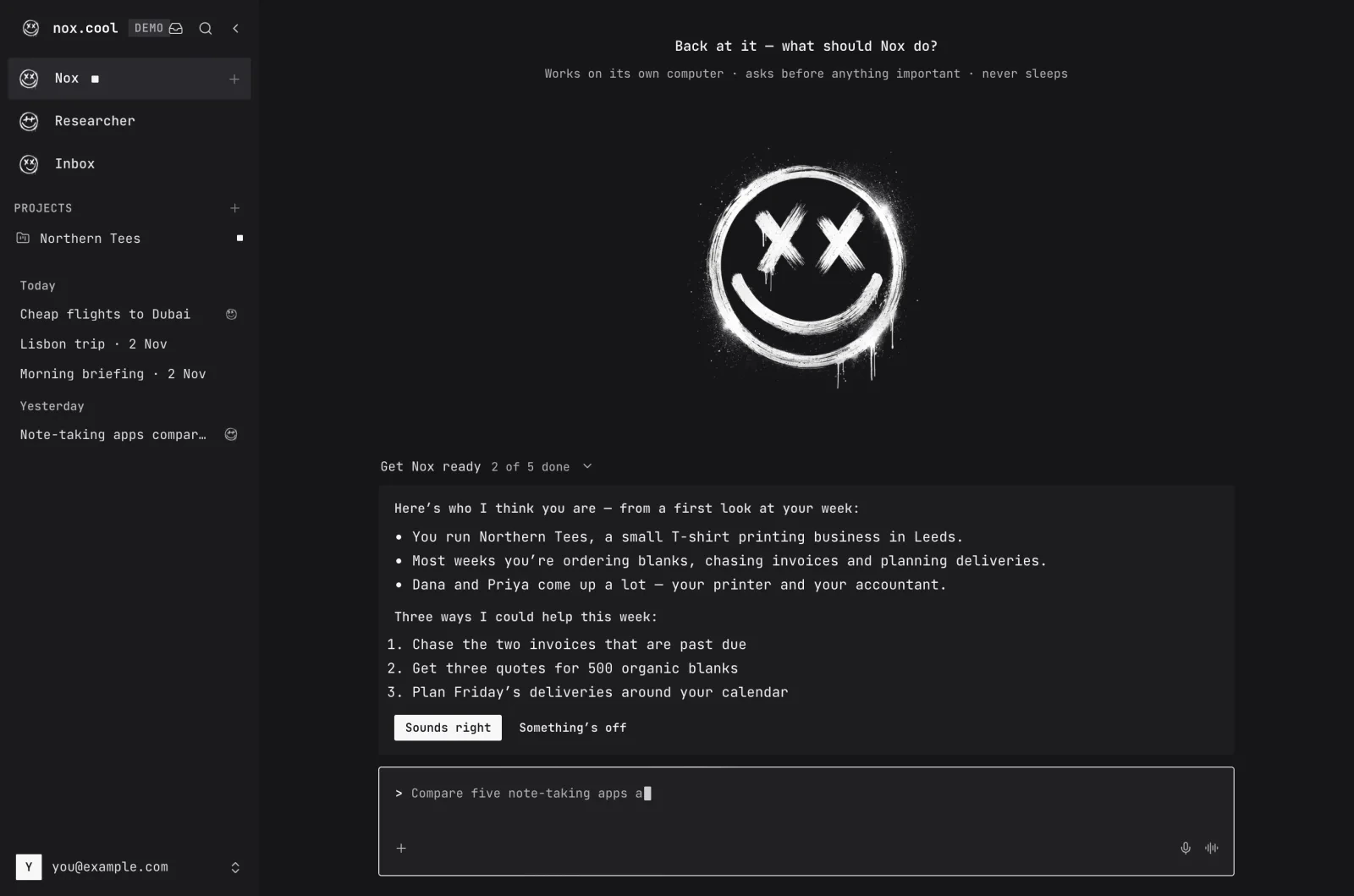
Yes. The page is still black, a little softer than before, and panels step up from it in small shades so you can see where one ends. All the text is brighter, especially the quiet kind such as times and hints. To turn it on, open Settings and choose the moon under Appearance. The Mac app gets the same colours.
Which buttons now ask first?
Nox already stopped for buttons such as Pay, Send, Delete and Book. Now it also stops for the ones that say refund, payment, charge, top up, add funds, deposit, sell, swap, trade, stake, redeem, approve or close account, among others. Sign in and Sign out stay free, so ordinary work isn't interrupted. As before, you can tell Nox to always allow a particular button on a particular site.

What's new with the Personal Agent Protocol?
Nox now speaks draft 0.3 of the protocol beside 0.2, so businesses on either draft can work with it. We've tried 0.3 against a test business of our own, so a live business's first use may still turn things up.
- Only the access a task needs. When a business names its kinds of access, Nox asks only for the ones the task needs.
- Straight answers. If a business says it doesn't offer a task to agents, Nox tells you right away instead of trying.
- "Do it here instead" stays on its own site. When a business points you elsewhere for a task it doesn't offer agents, the link has to be a secure page on its own domain. Any other address in that answer is taken out.

What else is safer?
- Emails and web pages: a long email or page built to waste time no longer slows nox.cool down while it's being read.
- Pictures and PDFs: the tools on your agent's computer that open them are updated to their fixed versions, and every update of nox.cool now checks them for known problems.
- Emoji: a step no longer fails because a long text was cut in the middle of an emoji.
Questions and answers
What happens to my task if nox.cool's AI is unavailable?
If the AI account behind nox.cool refuses work, your task isn't marked as failed. It stays open, says the AI is unavailable, and carries on by itself when the AI is back. You don't need to do anything, and you can still press Stop.
Do I have to start the task again?
No. nox.cool checks every couple of minutes while the AI is out, and every waiting task carries on from where it was as soon as a check works.
Do my routines miss runs?
A routine that comes due while the AI is out skips that one run. The skip isn't saved up for later, its history gives the reason, and it doesn't count towards the failures that make a routine pause itself. The next scheduled run goes ahead as usual.
How do I switch nox.cool to dark mode?
Open Settings and choose the moon under Appearance, or leave it on the setting that follows your device. The Theme switch in the account menu does the same.
Where can I try it?
It's part of nox.cool's early access, which is by invite for now.
Try it with Nox
nox.cool is in early access. Sign in, or ask for an invite on the home page.
Keep reading

What should an AI agent do when its AI goes down?
How nox.cool's AI agent handles an AI outage: your task waits and says why, routines skip a run without penalty, and everything resumes by itself.

What most AI agents still can't do: five things to check
Most AI agents now share the basics. Five things still set them apart, from what you see before it buys to what a job costs the second time.

What should an AI agent show you before it acts?
An AI agent's approval should show the thing itself: the real page, the price, the email. Why a sentence isn't enough, and how nox.cool built it.